Would it be possible to create a survey with an email campaign?
Without anything else?
Without any other software?
Yes, it is possible.
If the survey you want to create is not very complex, you can send it using our free email software, I will explain how you can do that.
It is so easy that it seems strange that I didn’t prepare
This article before.
Preparing free email marketing with a survey
Basically, all you need is a newsletter like this one:
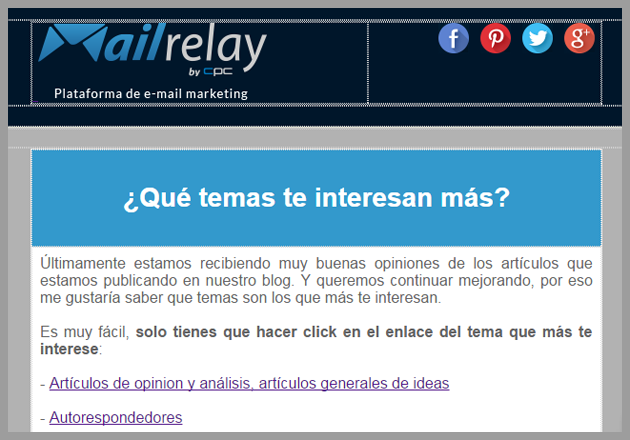
As you can see I’ve included some brief instructions and a few links.
The text of the links should be descriptive enough, as these will be the options of your survey.
I didn’t add many options, only 7 for a basic survey:
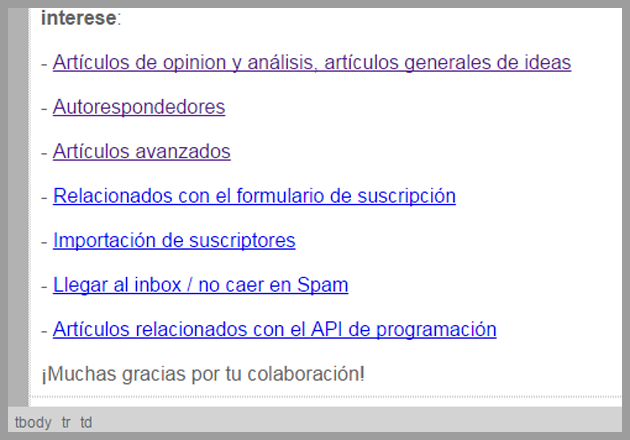
When the subscriber receives the email, he can click on the option he wants to select.
He just needs to click to answer the survey. and nothing more.
Simple and very fast.
After clicking the subscriber may be directed to a custom page for each option.
I chose to direct the subscriber to the blog category he selected, for example:
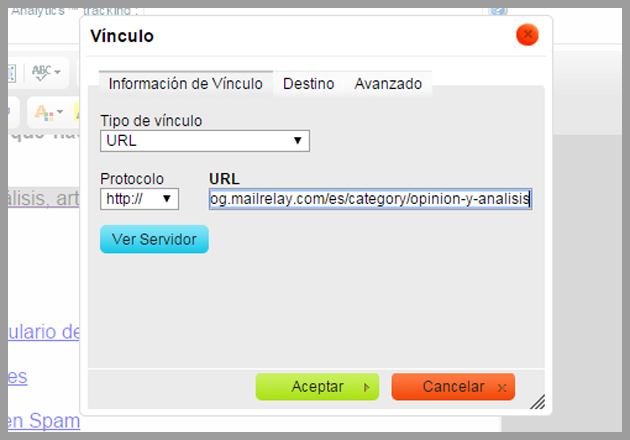
Therefore, besides sending free email marketing, you are increasing Traffic for the website with this survey.
Now you just have to send your free email marketing campaign and wait a reasonable time so that all subscribers have the opportunity to answer your survey.
And now?
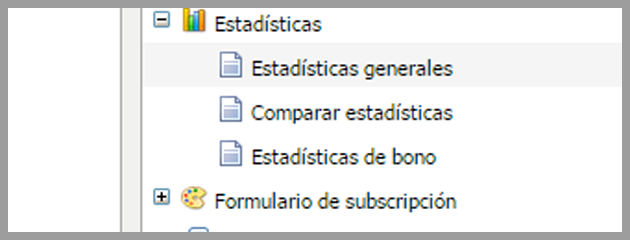
After sending the campaign, simply click the Statistics menu and select General statistics:
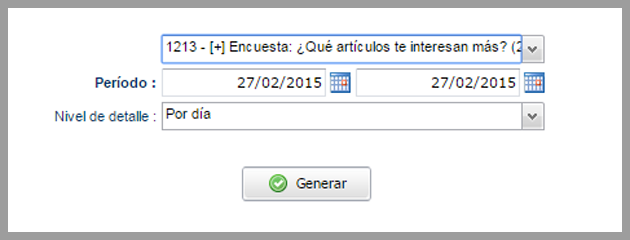
On this screen you will have to select the campaign, and click Generate:
Then click the Clicks tab in the newsletter and you’ll see the first graph:
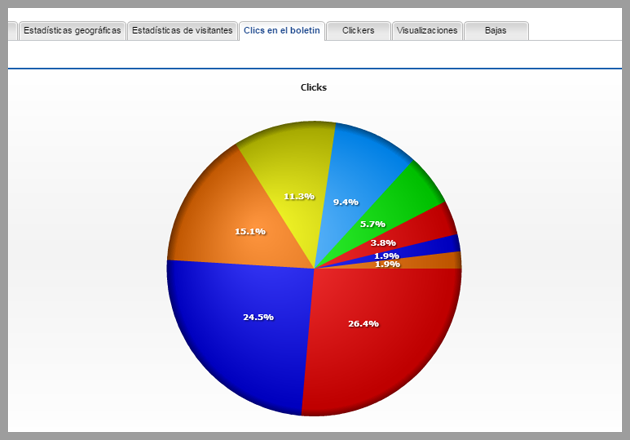
It is very interesting because this graph represents the results of the survey and, in fact, if you hover, the system will display the URLs for each option, that is why I recommended before that it would be important to use Different URLs:
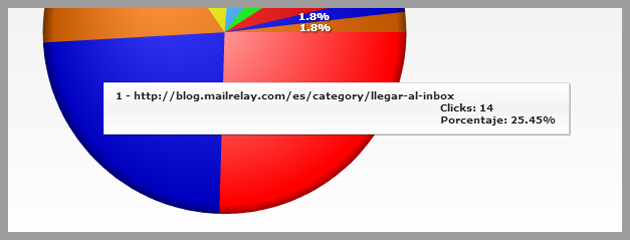
It is very easy to use different URLs, with parameters such as:
– Demo.com?option=1
– demo.com?option=2
– demo.com?option=3
In addition, you can see other results as well:
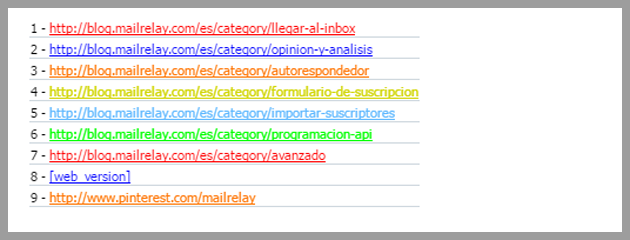
And just below a representation of the newsletter:
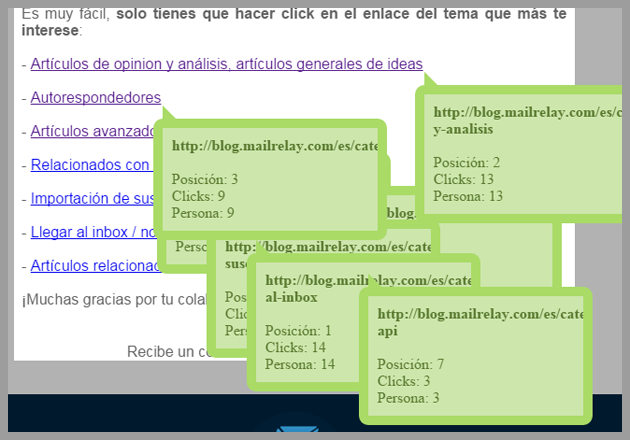
Each link is associated with a box with information about its position in the ranking, clicks on the link and how many users (in case there are more clicks than subscribers).
With this data and the graph you can have an idea of the results of your survey.
As you can see, you can send free email marketing with a survey, using only Mailrelay, without any additional software.
And you can do more than that
With the data available on the Clicks tab for the newsletter, you can get more information from your campaign, to learn what your subscribers are thinking about your products or services.
But you can also go to the clickers tab and filter by URL, eliminating the repeated and export:
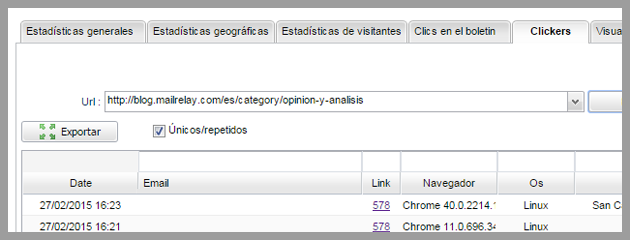
This way you can target subscribers according to the option they select to create groups separating users by their interest, if you want to work with the results of your survey.
It is not difficult, right? And it’s very comfortable for you, but also for your subscribers, who only have to click on a link to vote in your survey.
In summary
We have a simple way to send free email marketing campaigns with a survey without any other software.
It is not very accurate, but it allows you to create a quick and easy survey to target your subscribers.
And you can do it yourself, using our free email marketing software.