Several blog articles ago, we explained how to create a newsletter subscription form. This form can be inserted into our website or blog and allow visitors to subscribe to our newsletters. If you have not seen this blog article, you can find it here: aquí.
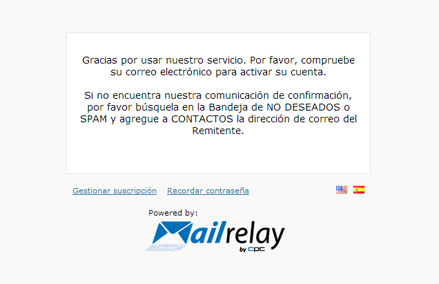
This was a fairly basic article, so we did not explain all the uses of this form. When subscribing to the newsletter, subscribers usually are taken to a page that looks like this:
which takes the user away from our website. Now we are going to see how to change this so that when subscribing, users remain within our website. The first step, just like before, is to create the newsletter subscription form.
[code lang=”php”]
Suscribete a nuestro boletín de noticias
[/code]
With this basic code, we will see a form that looks like this:
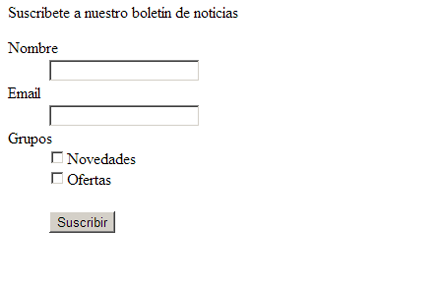
In which the user can enter his name, email address and the lists to which he would like to subscribe. Once he sends the form, he will become a subscriber and he will be taken to the page that appears in the first image.
How can we make the user go to a different page? It’s very easy. All we need to do is modify the first code of the form, so that it looks like this:
[code lang=”php”]
Suscribete a nuestro boletín de noticias