If you have a Mailrelay account to work with our email marketing platform, even if it is free, you have a dedicated virtual SMTP server.
This service is disabled by default, but you can enable the SMTP server in your dashboard.
IMPORTANT
Before activating the SMTP service you need to have properly configured the SPF record for your domain.
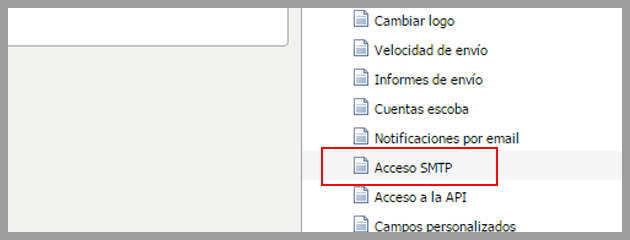
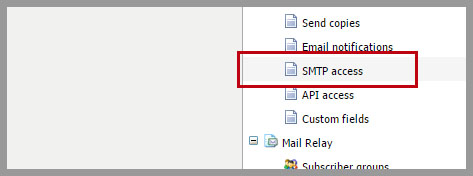
If you already had it set up correctly, click the Settings menu -> SMTP Access:
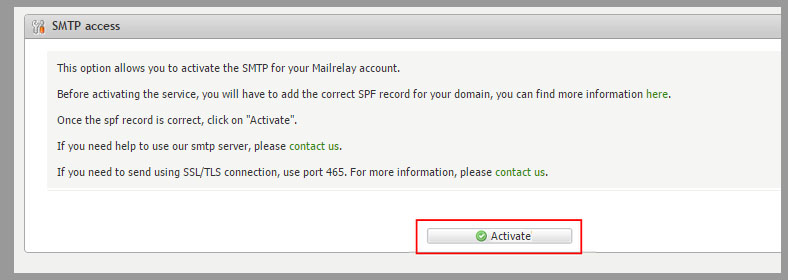
On this screen, you will have additional information and links to find a tutorial on how to set up the spf record.
To enable your SMTP server, click the Activate button
If you have not configured the SPF record, or it is not correct, the email marketing platform will display a notification.
Otherwise, your SMTP server will be enabled (You will be notified when it has been activated and you can start working with our system).
You can work with our email marketing platform online, but the SMTP server is a very good option in many occasions.