Today we present a small new feature to automate another usual process, the change of contract dates.
This is an improvement for customers using paid plans, and allows the Customer to perform certain tasks automatically, without having to contact our staff.
In this case, you will be able to change the contract dates.
When is it useful?
For accounts with active monthly plan, if the limit has been exceeded, instead of having to upgrade the account, you can now change the billing dates of the contract, which will renew the limits, so that the user can continue sending the email marketing campaigns.
What are the conditions?
1) You must have a paid monthly plan
2) If there are unpaid invoices the system will not renew the limits
How to do this?
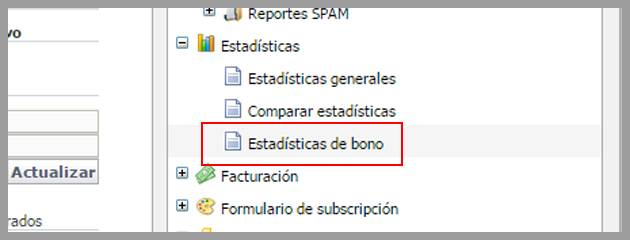
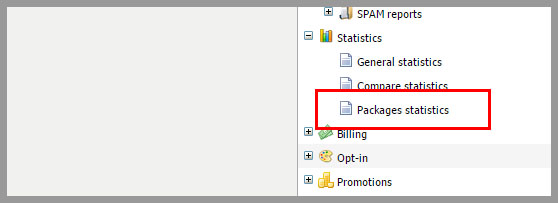
It is very easy, first click the Statistics menu -> Package statistics:
On the next screen, at the top, you will see the “Anticipate the dates of your contract”:
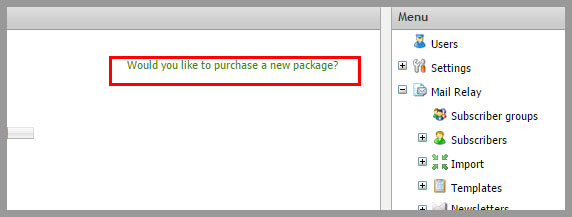
This takes you to our extranet, as we saw in our previous article, about purchasing packages from your panel, the process will generate a new invoice, which will have to be paid, for the system to renew your limits and change the dates.
We hope this new feature will be useful!