Some customers of our free email newsletter software reported problems when adding https links in newsletters.
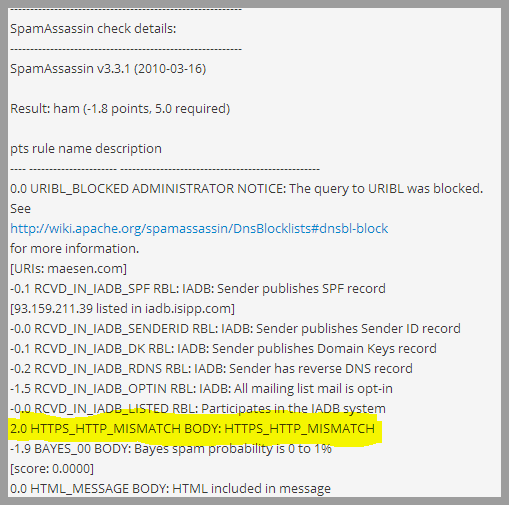
After analyzing and reviewing the reasons, we discovered that this occurs due to a rule created on several anti-spam systems that penalize emails which include https links in the text of the newsletter, directed to a normal link without secure protocol.
The penalization is really severe, adding up to 2 points in the SpamScore, as this practice is used to attempt to make the user feel confident, on phishing and other illegal emails, as they are trying to make the subscriber believe he or she is accessing an SSL link, encrypted and secure.
Note that this problem occurs after you send the campaign, it is not possible to detect it before sending the email, in the spam report of the Freeemail newsletter software.
This is due to the fact that until you send the campaign, the https links are not replaced with a normal http links used by the tracking system and, therefore, the antispam rule has not yet been activated.
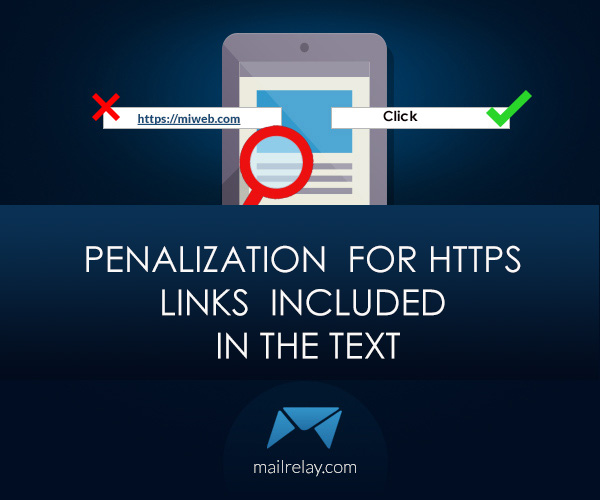
To solve it, just don’t add the link directly, for example:
“For more information click here https://miwebfeten.com/info.html”
You could replace it with:
“For more information click here”
Thus, the https link will not be included directly in the body of the email and that way, you can send your campaign.
This can easily be done with the free email newsletter software created by Mailrelay.