This improvement has been available for some time, but we will explain its operation in detail in this post.
It is possible to custom the contact emails the system sends in the three languages we currently work with, (english, spanish and portuguese).
In fact this is an interesting improvement of our [email marketing software] that many users have requested, because before there was only one possible solution, which was to use the three languages in the same message.
Let’s see how we can make the change now.
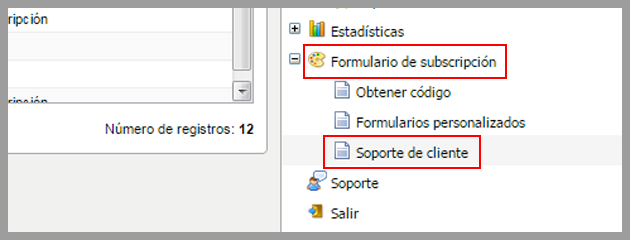
The first thing to do is to click on Opt-in -> Customer Support:
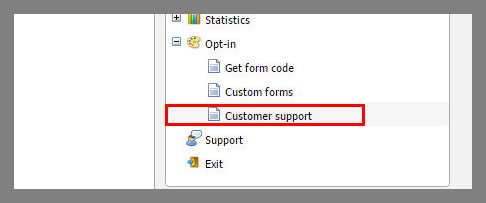
On this page, you can configure and customize the text of the activation emails, forwarding message, etc.
For example, the opt-in confirmation email, a essential step to your email marketing strategy:

Each of these elements contains the message, in the corresponding language for the activation email. For example, if you double-click on the email in Spanish you will see a screen where you can edit the plain text version:
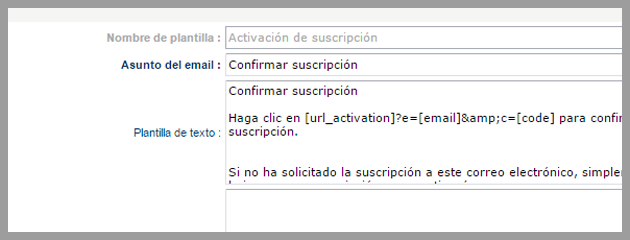
And the HTML version:
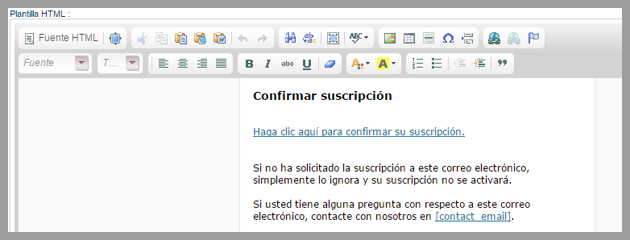
When a user subscribes through the process in Spanish, this user will receive this email.
However, if the user registers in English, the system will send the email with the English version:
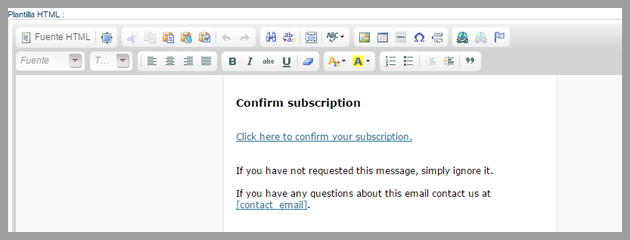
How can we explore this option in a multilingual website?
Very easy, for example if we visit the Mailrelay, free email marketing blog, it is possible to see the difference between the suscription in spanish and in english.
The first thing you need is to create two groups, one for the suscription in each language:
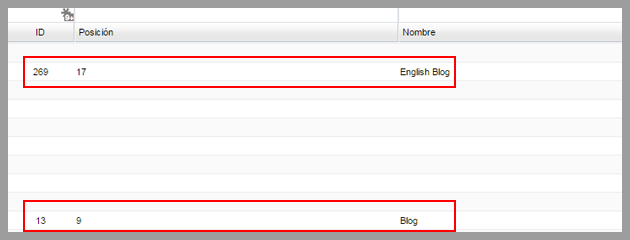
Thus, you can save the subscribers easily.
The next step is to create two subscription forms, one to be displayed in the Spanish version and the other to be displayed in the English version of the site.
If the user fill the subscription form in Spanish:
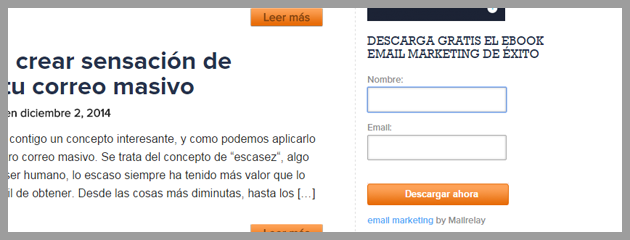
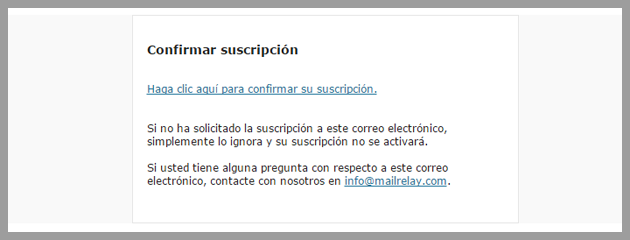
In this case, the user will receive the activation email in this language:
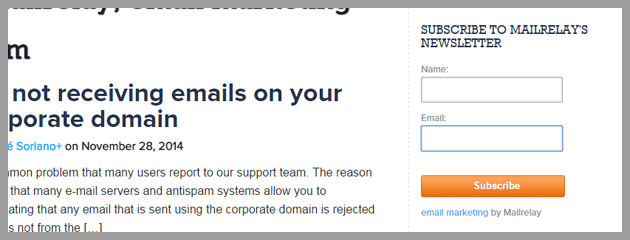
However, if the user access the English version of the blog, he would fill the form in english:
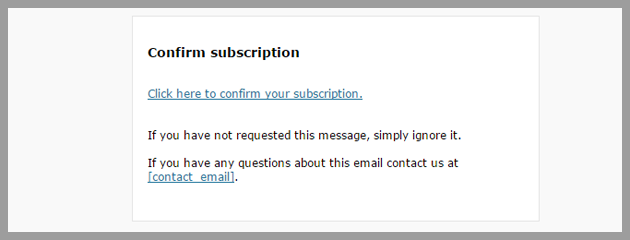
And receive the activation email in english as well:
Considerations
It is important to understand that it is the system itself that decides the language to be used automatically, therefore you don’t have to add any other configuration.
For example, if the system detects that the user is using the system in English, the emails will be sent in this language.
You can force the language used in the email with the variable for language, for example, by putting into the form the code:
demo.ip-zone.com/ccm/subscribe/index?language=en
Thus, the English language will always be used in the emails.
But in general, it is an automatic function, you just have to edit the text in the languages you want to work with, if you need to work with more than one language.
We expect this option to be useful for your free email campaigns!