
If there is something that always bothered us for a long time it is the best option for segmenting mailing lists, so that you can create more effective email campaigns, which helps to improve the sender score reputation.
The Mailrelay team worked hard to find a solution, running tests to find the best way to resolve this issue and finally We incorporated a fantastic new feature that we will see in this post.
Are you prepared to improve the targeting of your mailing list and your email marketing campaigns?
Let’s get started!
In fact, you don’t have to do almost anything, to start, click on Subscribers -> Active in your account:
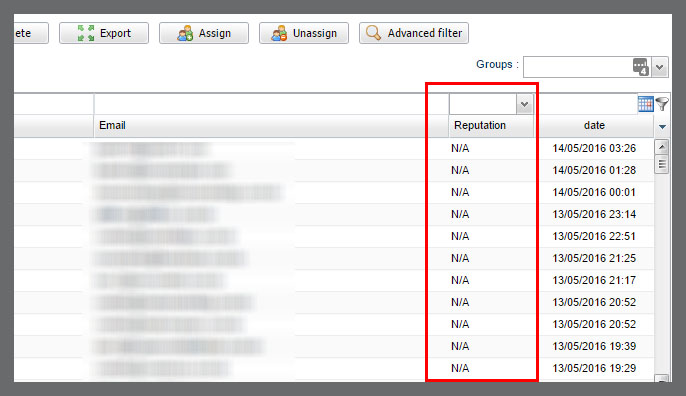
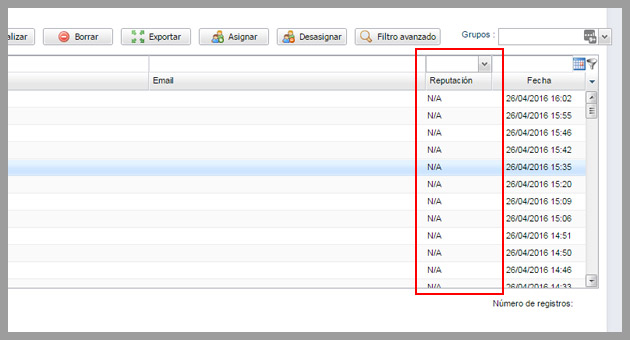
You will see a new column in the list, related to the reputation, it will display a report on the engagement of each subscriber indicating the level of interaction with the email campaigns.
In the image you can see that it is showing N/A, this is because the subscriber still didn’t receive newsletters from this account, or not enough for the system to evaluate the subscriber.
Let’s try to test it, I will select a group of subscribers.
And in the field reputation (which appears above the column) it is possible to choose from several options:
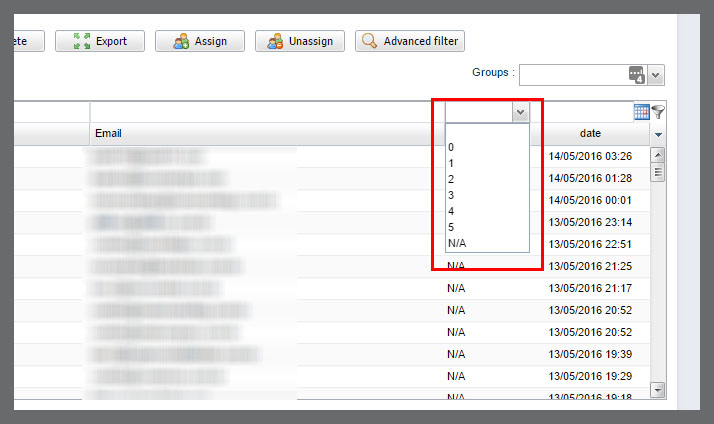
We can choose a value between 0 and 5. where 0 means subscribers who are barely interacting with the email campaigns and 5 for subscribers who are interacting with almost all the newsletters.
We will choose 5, for example [:)]
When we select this option, the system will filter the subscribers, leaving only those that are within the selected value:
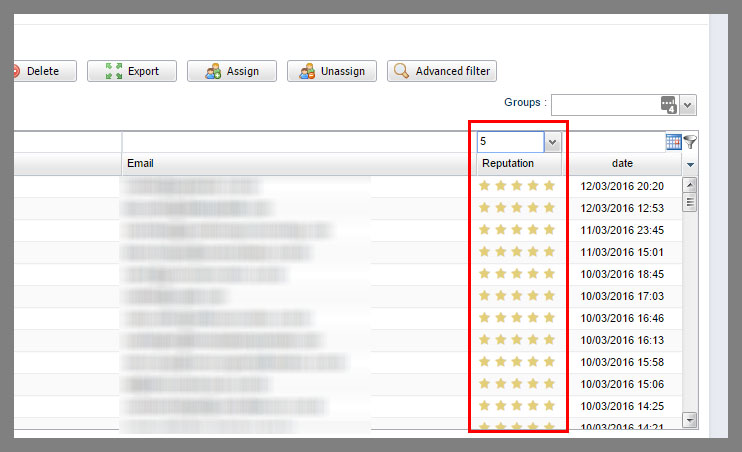
As you can see, with this filter, we can see a list of all subscribers whose relationship with the email campaigns is the best, those who are always interacting with the emails.
What can be done with this list of subscribers?
Many things!
- -Send special promotions
- -Contact them for feedback
- -Thank them for their relationship with the company
- -Send special campaigns for improving the sender score reputation, as these subscribers will certainly interact with the emails.
This feature is very useful especially for creating different strategies for different subscribers.
And everything is very easy, after generating this list, simply click on the assign button, to add these subscribers to a different group.
In doing so without selecting any subscriber, the system will ask if you want to assign all subscribers.
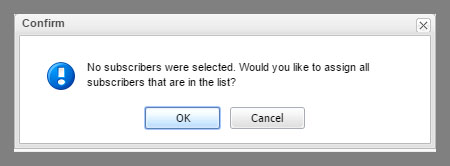
If you click on OK, you can select a group to add these subscribers:
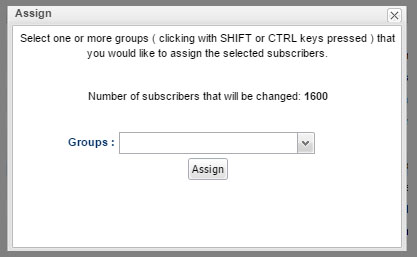
In my opinion, each score can be used for different strategies, subscribers who don’t interact with the email can receive some content, while users who are more interested can receive other promotions, or custom emails.
This is the aim of this new functionality, providing you with the means for you to create more personalized email marketing actions.
You are curious to see this system working with an example, right?
So we will see this example:
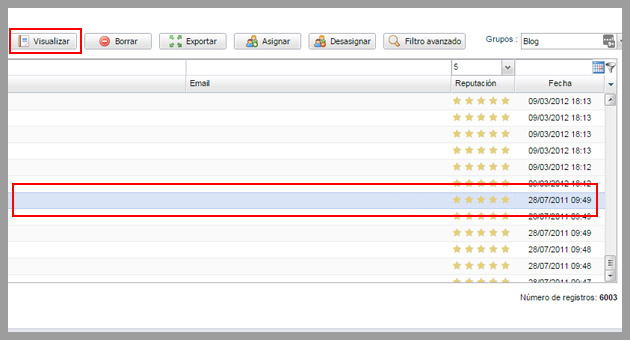
I selected one of the oldest subscribers i have in this account, from 2011! I clicked the button to filter this subscriber.
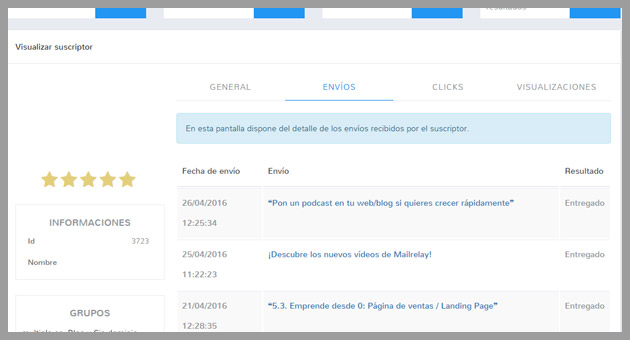
Here we can see all the information about the campaigns that this subscriber received and other general information, newsletters, clicks emails he opened.
So we can see a lot of information about how the subscriber is interacting with the email campaigns.
Very interesting, isn’t it?
Well, that’s it, I’ll stop writing, so that you can start testing this fantastic new feature.