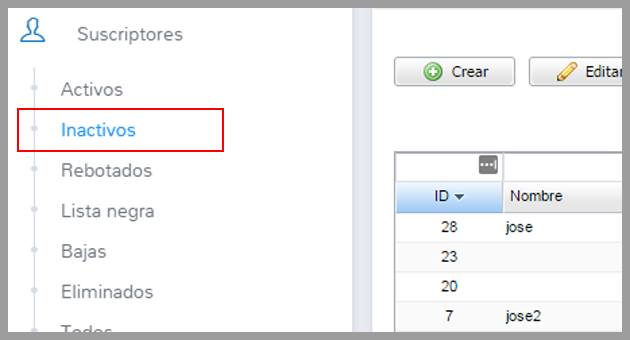
You have some inactive subscribers in your account? If, for some reason, the subscriber didn’t confirm the subscription, it will not be possible to send any email to this contact.
Up to now, you could only create a confirmation page to explain the process and hope the user would remember to confirm the subscription.
However, we have developed a small feature that will resend the confirmation email for these inactive subscribers, and thus you can use them in your email marketing campaigns.
Would you like to see this new feature?
It is a very easy to use feature.
First, we will click on the Subscribers menu and select the option Inactive:
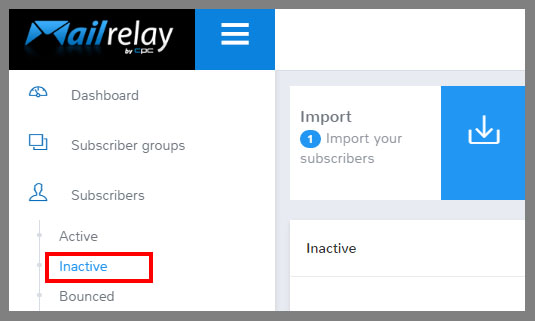
On this screen, you will see the inactive subscribers.
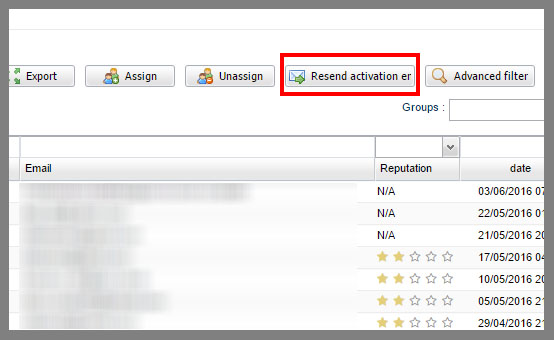
You can mark with the mouse and click on the button to “Resend the Activation” email:
You will see a pop-up like this:
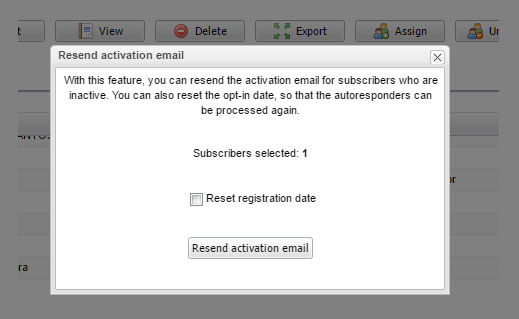
With the number of selected subscribers.
Important: You will have the option to reset the registration date. Why?
By Changing the registration date, the system will be able to send the autoresponders for this subscriber.
If you have created autoresponders, you almost certainly will want to select this option .
Now just click to resend the activation e-mail.
The system will ask if you are sure you want to resend the email, if you confirm, it will be resent to the selected inactive subscribers.
And if you don’t select any subscriber?
The system will ask if you want to resend to all
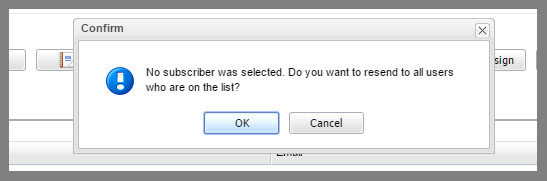
Personally, I don’t recommend you try to send to all the subscribers, in case you have old inactive contacts.
Instead, you should use the filter by date:
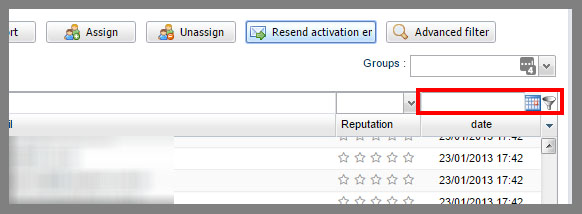
And use the calendar to choose a reasonable date range:
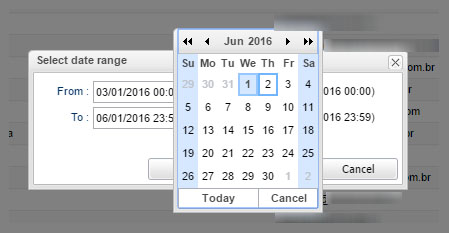
This option will filter the subscribers who are between the start date (From) and the end date (to) and will leave only subscribers who signed up during the selected period.
You can use the “Resend activation” email to these subscribers.
You should always filter the subscribers by date, because you should not send to subscribers who are inactive for a long time.
And this is the new feature, we hope you will use this new resource!