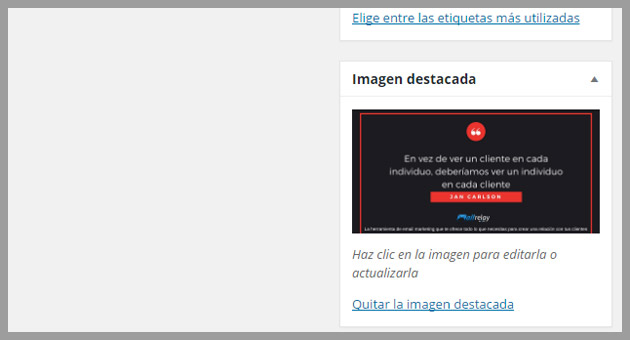

There is a common problem that can affect some newsletters, in some campaigns, the featured image is not displayed correctly, for newsletters created using an RSS feed.
Many users contact our customer support department to learn why the featured image is not displayed.
Why this happens?
Let’s see, when creating a post, you usually will set an image to be featured.
The problem is that if you check the RSS FEED, you will see the following.
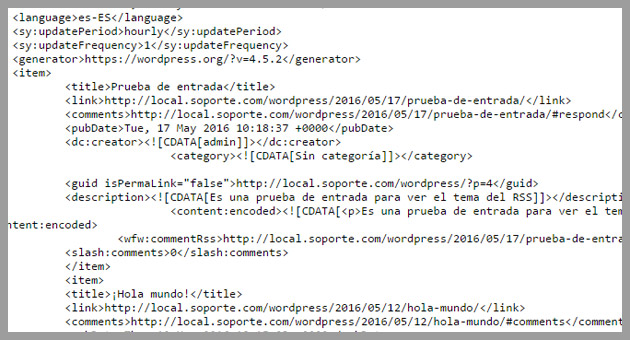
The featured image is not being displayed.
This means:
- The system cannot read the image correctly, it is not receiving this information from the FEED.
- It is not displayed in the emails
The solution, in this case, is: The featured image should be available in the RSS feed, so that it can be selected.
How to solve this problem?
We will solve this using an interesting option, with a plugin, very easy to set, created by a well-known blogger in Spain, Víctor Campuzano, called vcgs-toolbox.
You just need to access the WordPress plugins and search for “vcgs-toolbox”.
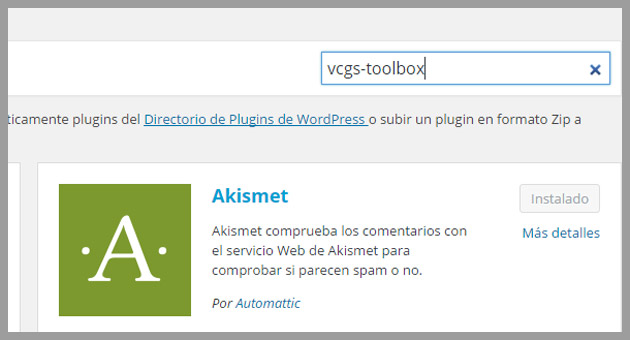
Search the plugin and install it.
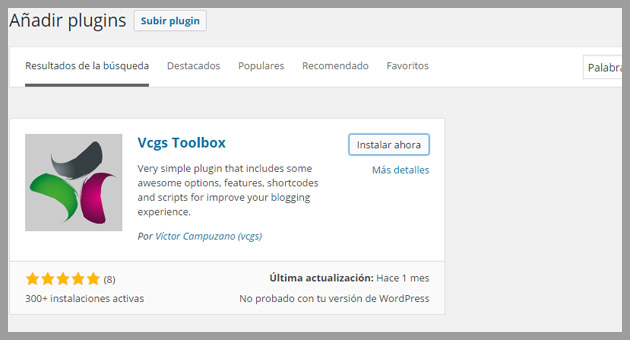
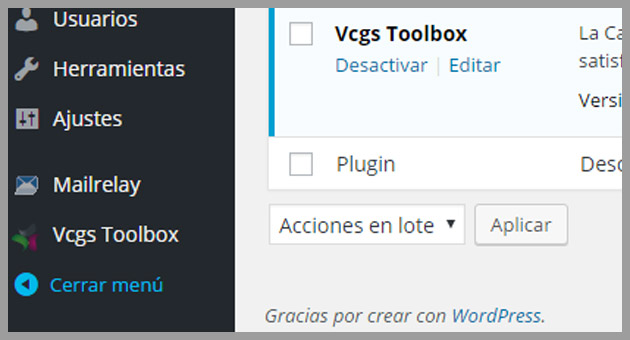
Once you have the plugin installed and enabled, you can select this plugin from the menu.
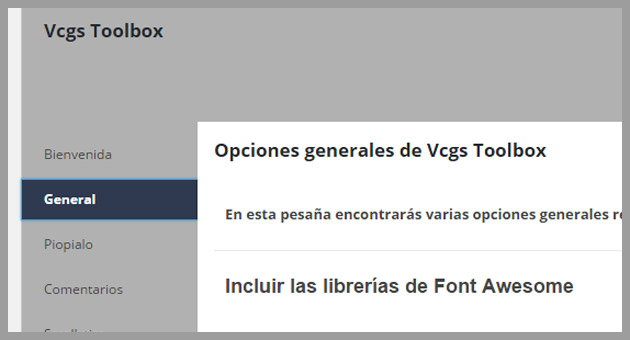
In the plugin screen, you must select the “General”option.
In the general settings, you need to enable the “Añadir la imagen destacada al Feed” if the plugin is in Spanish.
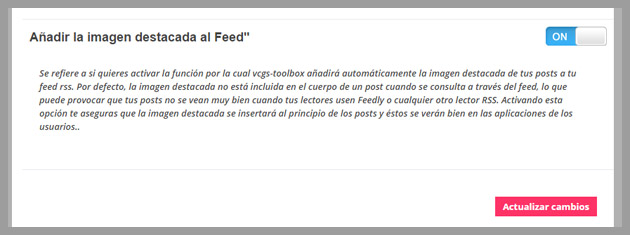
By checking this option, you will see that the RSS feed will display the image in the newsletter, once you send the campaign.
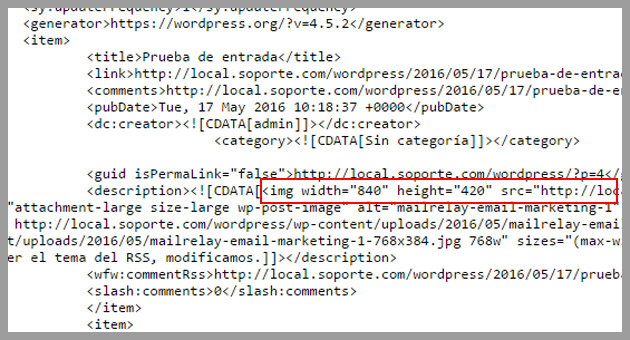
You may need to update the post for the changes to take effect on the RSS, but with this the featured image should be displayed when the campaign generated via RSS is sent.
The process is easy, isn’t it? With this tutorial, all images are displayed correctly.
We would like to thank Víctor Campuzano for the plugin vcgs-toolbox!
We hope this tutorial is useful and, of course, please leave your opinion in the comments!