Custom development services and integrations offered by Mailrelay

Noé Soriano

The email marketing platform Mailrelay was created with a 100% technology developed by our team of programmers, allowing something very few ESP can offer: We can do any custom changes to the platform that our customers need. It is an advantage that makes us an email marketing platform highly effective for large companies. In fact, […]
Setting activation emails in multiple languages

mailrelay , Invited guest @ Mailrelay

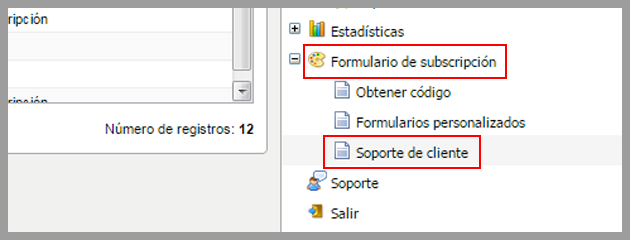
This improvement has been available for some time, but we will explain its operation in detail in this post. It is possible to custom the contact emails the system sends in the three languages we currently work with, (english, spanish and portuguese). In fact this is an interesting improvement of our [email marketing software]  that […]

How to create a backup of all your subscribers?

Noé Soriano

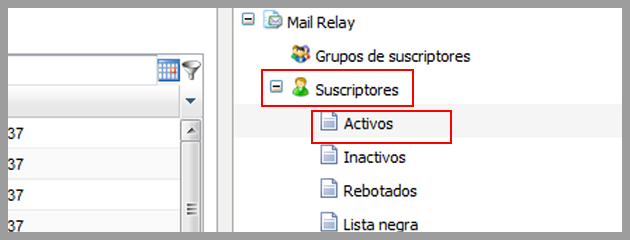
Many customers contact us to ask how they can create a backup of the subscribers uploaded on the panel. It is interesting to save a backup of your contacts, as Mailrelay is not an storage platform and is not designed for it. For instance, the system could have an interruption of service for maintenance or […]

New features Advanced Filters

Noé Soriano

There were many users who appreciated the inclusion of advanced filters that allow the segmentation of subscribers who clicked or viewed a newsletter, a very important feature of our email marketing software. A powerful tool to improve the performance of your email marketing campaigns, as explained in previous articles. This feature, however, had limitations, as […]

Custom senders for opt-out confirmation

Noé Soriano

So far, when an email was sent by our free email newsletter software to confirm opt-out, the address used was the one configured on “Senders by default” for the account which would receive the reports. This had a major drawback, if you needed to use various senders for different domains (for instance for agencies which […]

Sender control using the SMTP server

Noé Soriano

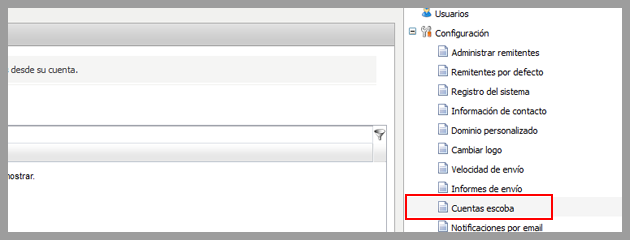
Some customers have contacted our customer service department  to request that changes should be made to the sending system via SMTP, namely the confirmation of senders, due to the fact that without this confirmation any user could use the email address of any domain without SPF records, which would be terrible for the sender score […]

Selecting the delivery speed on your Mailrelay account

Noé Soriano

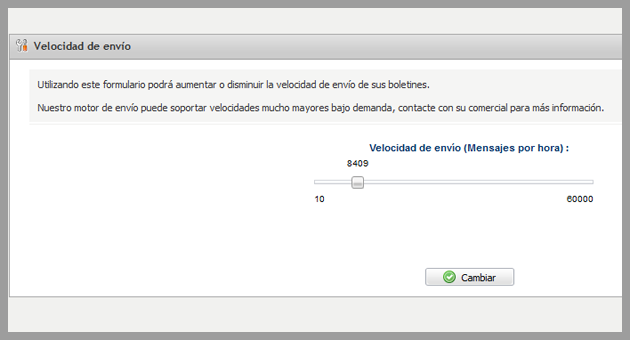
This is one of the settings for Mailrelay less known, although it can be of use in some situations. It is possible to select the delivery speed of your account. Where can you change this setting? On your Mailrelay panel, by clicking in the Settings menu and selecting the option Delivery speed: Here you can […]

Advanced filters to segment your subscribers on Mailrelay

mailrelay , Invited guest @ Mailrelay

Today we would like to explain the operation of a new feature that you will surely enjoy. We believe that this new feature will be very useful in your email marketing campaigns. This new feature is the creation of Advanced filters for segmenting your subscribers What can you do with these filters? You can create […]

New feature to have advanced statistics using our SMTP server

Noé Soriano

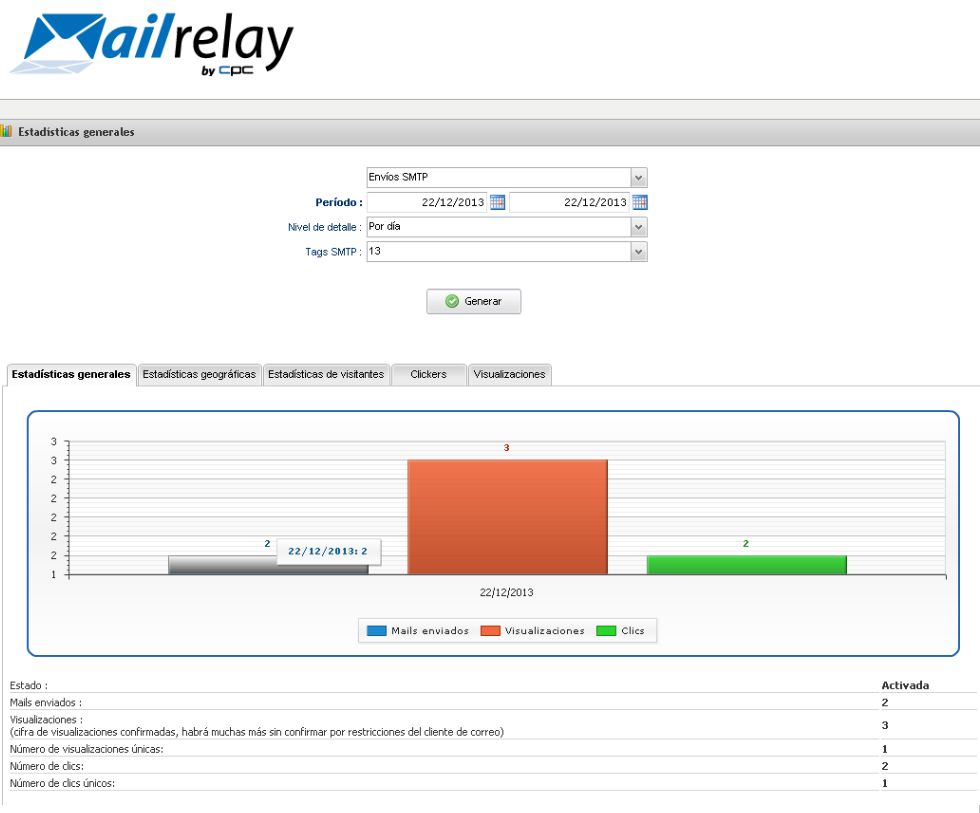
We are proud to announce a new feature that was created by our team for campaigns sent through the Mailrelay accounts. This new feature is the incorporation of the tracking mechanism to offer statistics in messages sent one by one through the SMTP server . This will allow users of the enterprise version the option […]

How to receive a copy of all sent newsletters

mailrelay , Invited guest @ Mailrelay

We recently added a small feature in the Mailrelay, free email marketing panel  which will allow you to add an email address that will receive a copy of all newsletters sent through your Mailrelay account, (except test newsletters and notifications sent). So far, if you had to receive a copy of all newsletters sent by your […]

This site is registered on wpml.org as a development site. Switch to a production site key to remove this banner.